Connecting Square
Square is optional and always revocable. Connecting it gives WispBooks the revenue side of your business, which is what makes the books complete rather than a pile of expenses.
How to connect
Go to Settings → General → Connections and choose Connect beside Square. You sign in on Square's own page and authorize read access. Nothing about your Square account changes. To disconnect later, email support@wispbooks.com and we'll revoke the connection — there's no self-serve disconnect button yet.
What happens right after you connect
WispBooks backfills roughly the last two years of Square history, then keeps syncing. That means your reports have a comparison period from the first day rather than after a year of use. The first backfill can take a few minutes; you can leave the screen while it runs.
What comes across
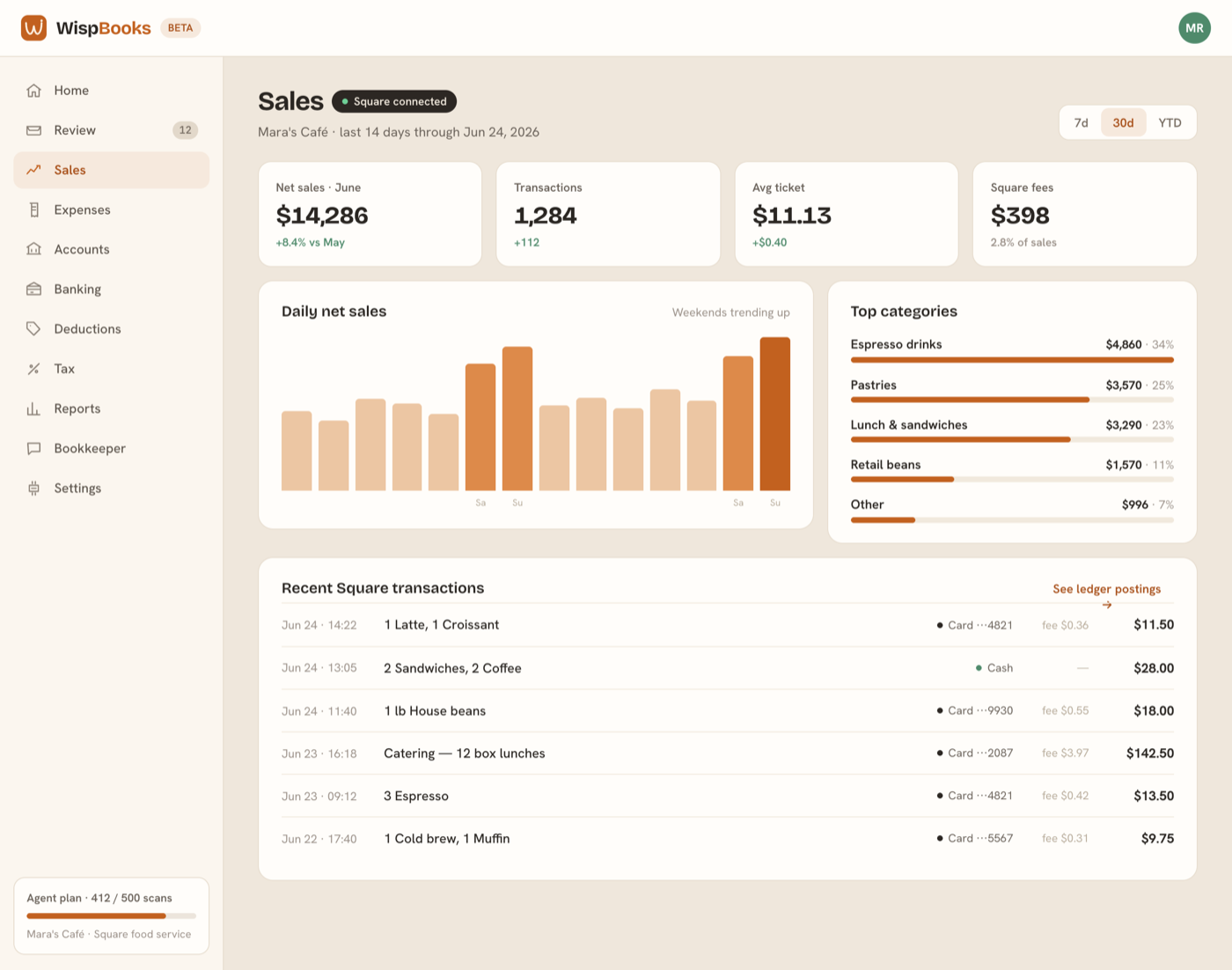
- Daily sales, by location, with the tender behind them — card, cash, gift card.
- Sales tax collected, taken from Square's own tax lines rather than inferred.
- Processing fees, booked as the deductible expense they are.
- Payouts, so the deposit that lands in your bank can be matched to the days that produced it.
Card sales sit in a Square clearing account until the payout arrives and clears them against the bank. Cash sales go to Cash on hand, because that money never passes through Square's payout at all — the distinction is what stops the register drawer from quietly inflating your bank balance.
What doesn't
We don't move money, change payout schedules, issue refunds, or write anything back to your point of sale. The connection reads. Matching a payout to a bank deposit happens inside WispBooks, against your bank feed — see Connecting your bank.
If the connection lapses
A sync can stop — an expired authorization, a password change, or access revoked on Square's side. The Connections panel always shows the last successful sync, so a stale date is the signal; Reconnect signs you in again and backfills whatever was missed. Nothing already posted is affected while a connection is down.